
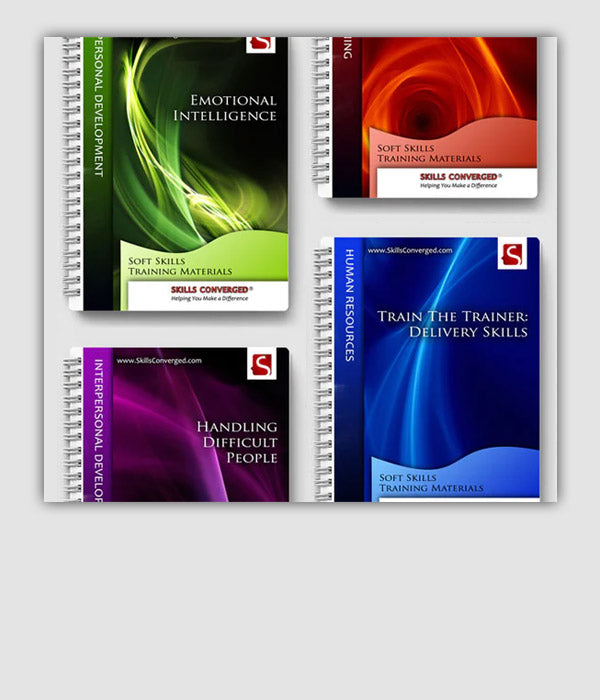

What Is Included in the Training Materials
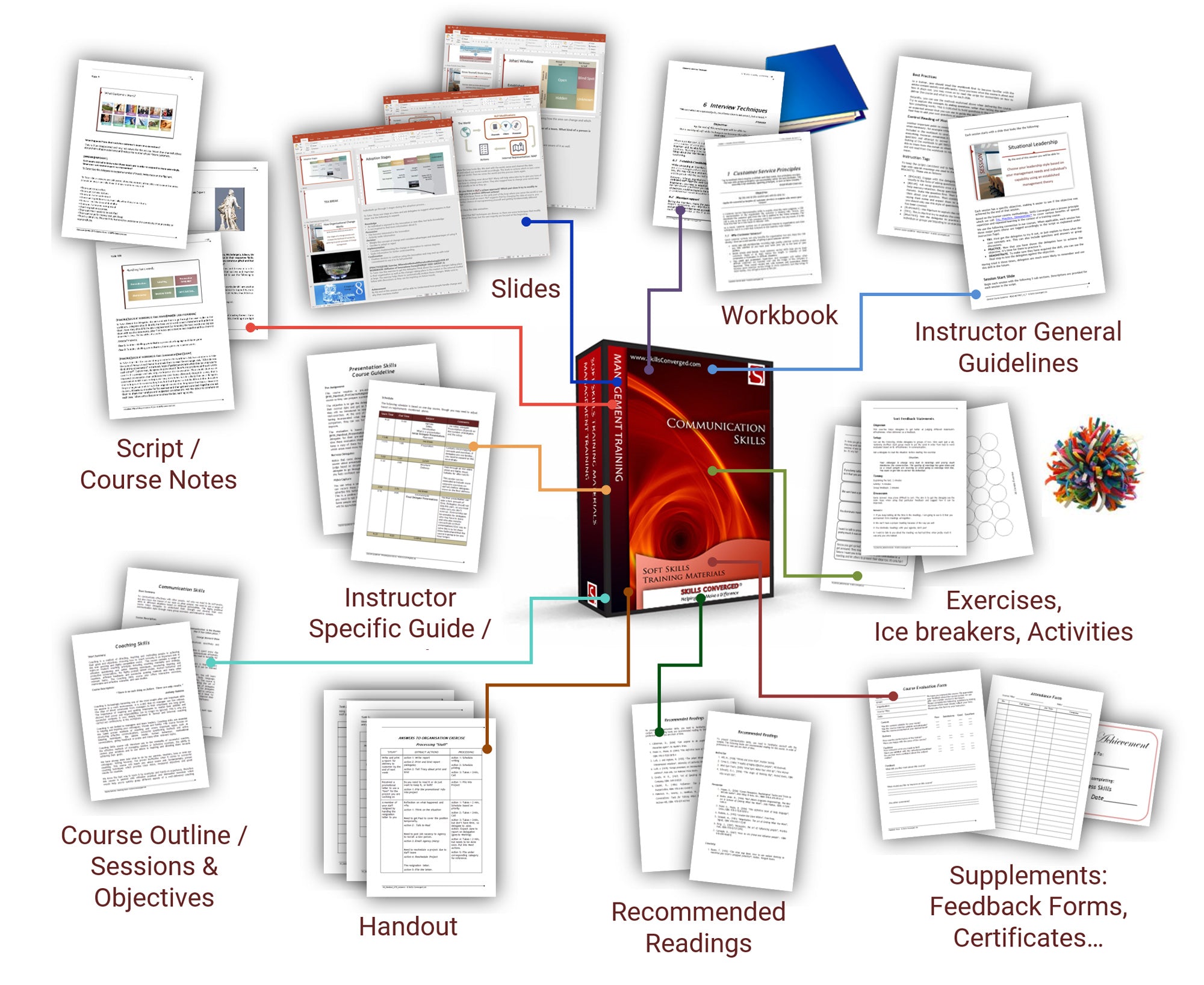

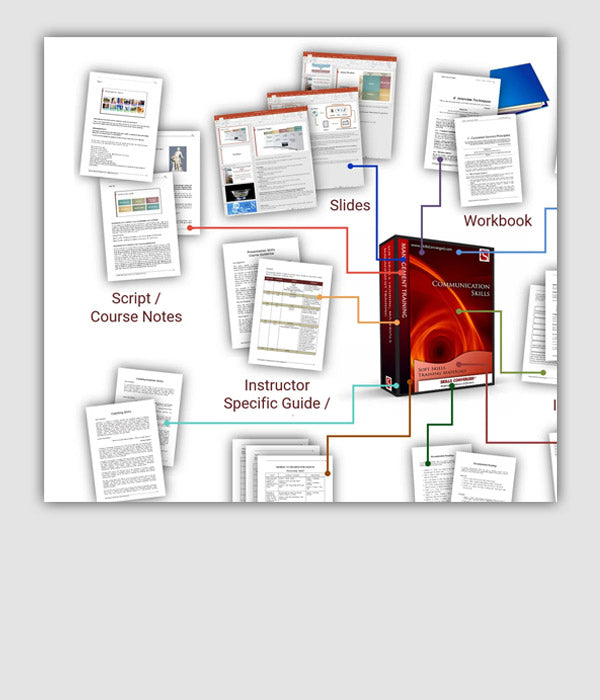
Each Skills Converged training package gives you the editable trainer and participant resources needed to prepare and deliver a professional course.
Your materials are delivered digitally in a downloadable ZIP file. The package contains editable Microsoft Word and PowerPoint source files in DOCX and PPTX formats, together with legacy DOC and PPT versions.
You can add your branding, adapt the content for your audience, reorganise sessions and combine the resources with your own materials.
Each Training Materials Package Includes:
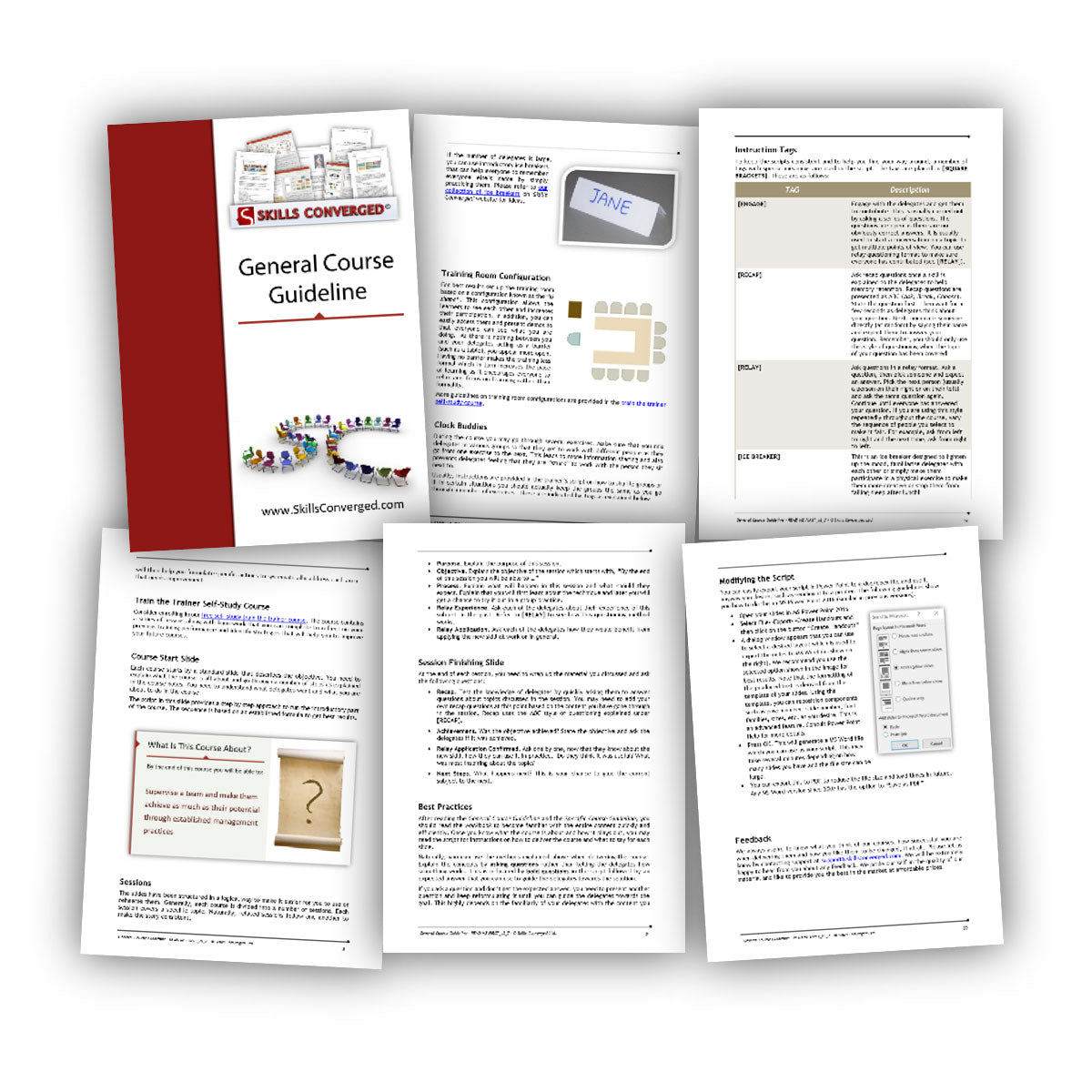
General Trainer Guide
This is the best place to start. The General Trainer Guide explains how the materials are organised and provides practical guidance to help you prepare and deliver the course confidently.
It covers:
- How the course is divided into sessions
- How to introduce and conclude each session effectively
- How to apply our Try, Practice, Demonstrate training methodology
- How to pace the course and manage discussions
- How to introduce and facilitate exercises
- How to generate participation and enthusiasm
- How to respond to quiet or unresponsive participants
- How to arrange the training room
The guide also explains the conventions and instruction tags used throughout the slides, trainer notes and supporting documents.
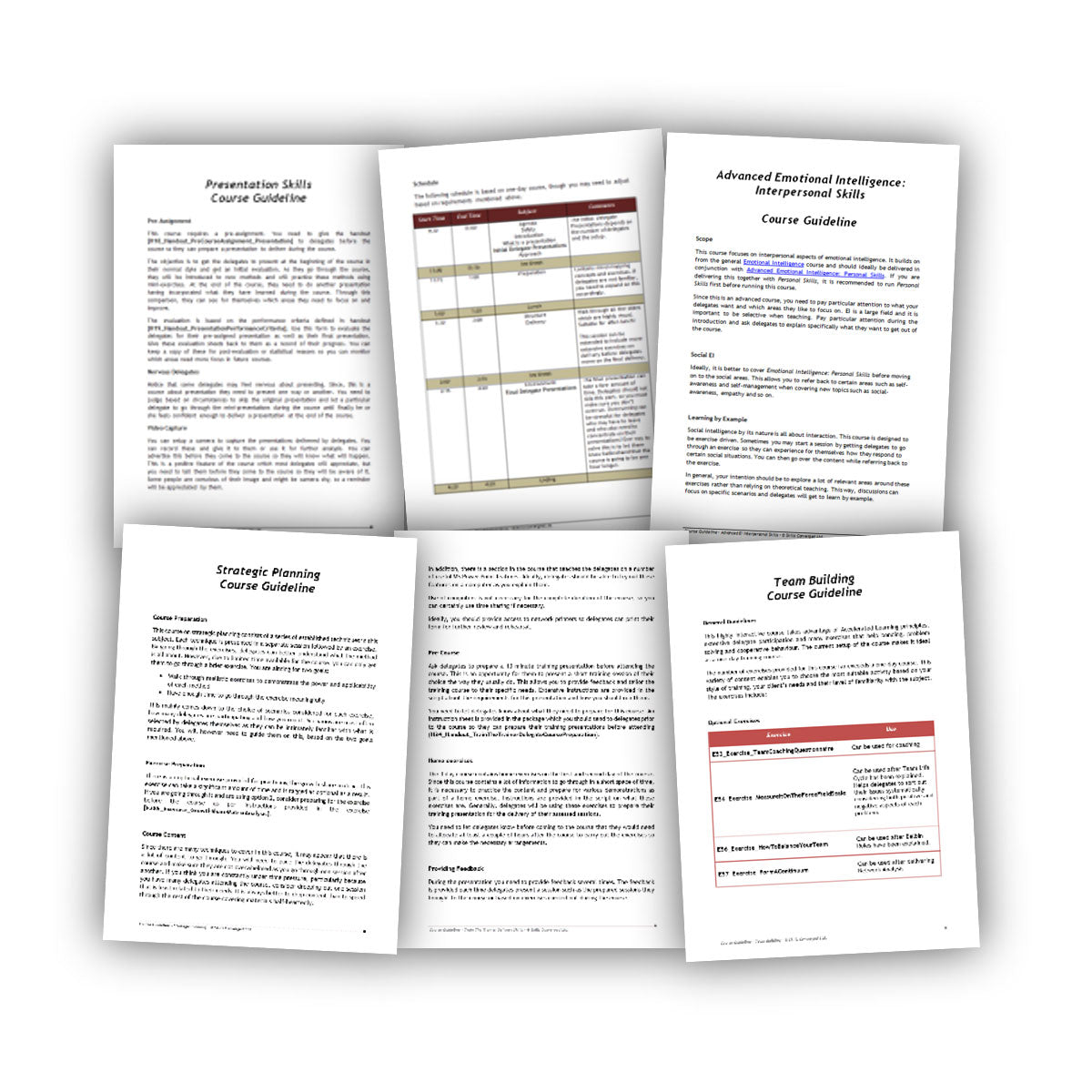
Course-Specific Trainer Guide and Agenda
This guide helps you prepare and deliver the specific course you have purchased. It contains a timed agenda and practical instructions for every session.
It includes:
- Any required preparation before the course
- Information that should be sent to participants in advance
- Session-by-session delivery instructions
- Suggested timings for content, exercises and breaks
- Guidance on what to do if a session takes longer than planned
- Instructions for using optional content to extend or adapt the course
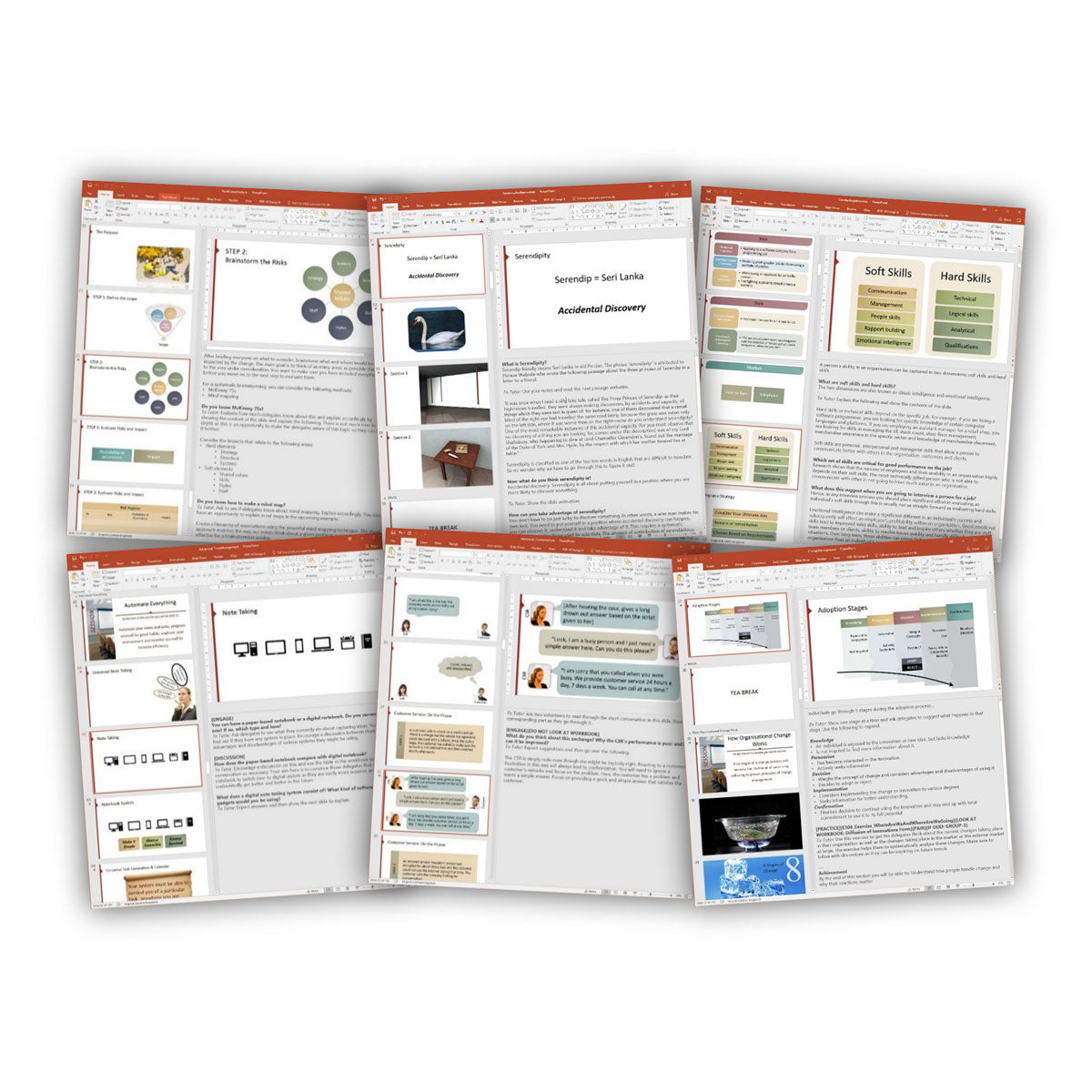
Editable Presentation Slides
The editable PowerPoint slides provide the visual structure for your course. They are supplied as PPTX source files, allowing you to customise the wording, branding and design.
Features include:
- Clear, uncluttered layouts designed to support learning
- Fully editable text, colours, graphics and branding
- Slides organised into sections for easier preparation and navigation
- Editable SmartArt diagrams and visual models
- Trainer guidance included in the PowerPoint notes
- Support for PowerPoint Presenter View during delivery
Learn more about how our training materials are designed.
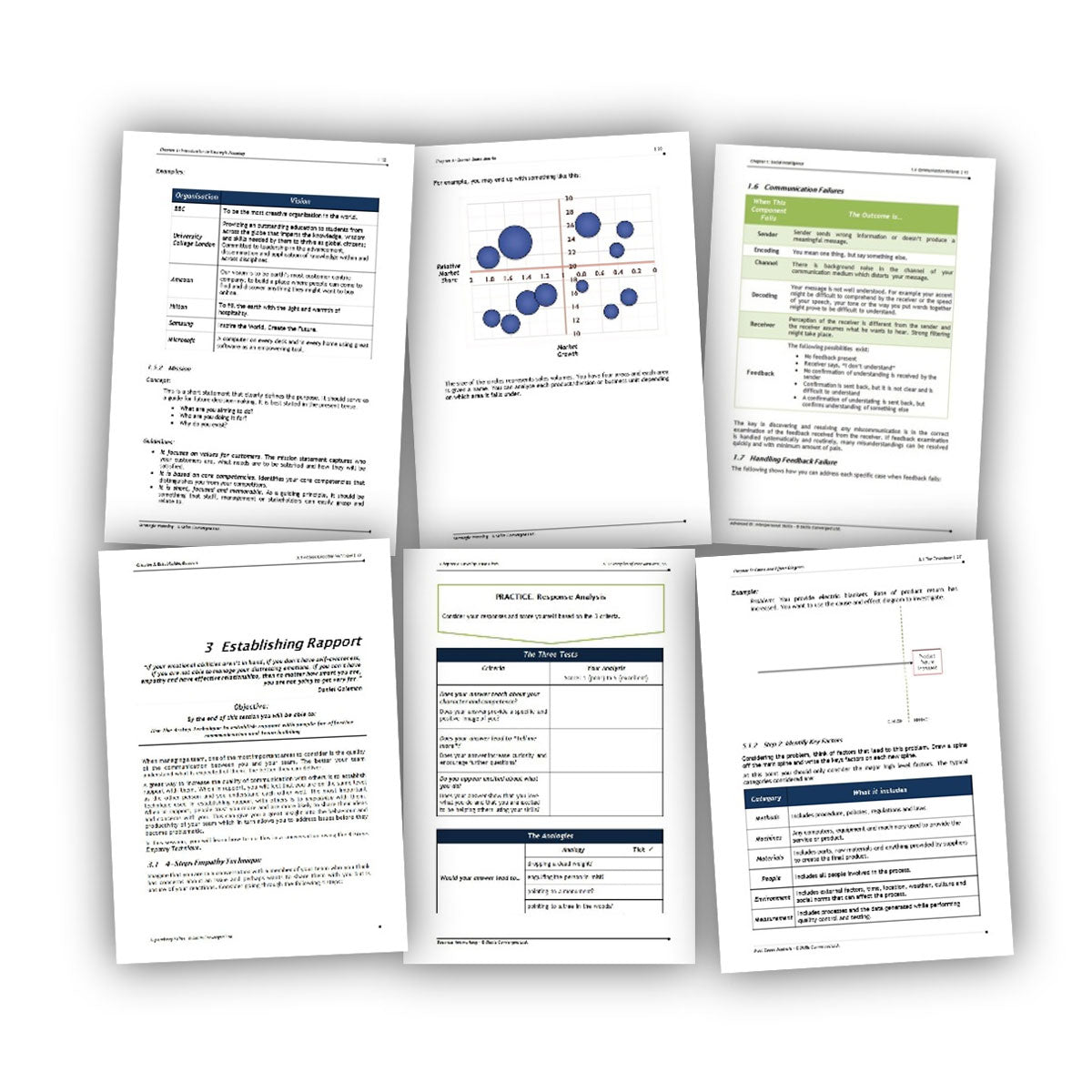
Participant Workbook
The editable Word workbook gives participants a structured reference they can use during and after the course.
It includes:
- Explanations of the principal course concepts
- Space and guidance for completing activities
- Tables, illustrations, questionnaires and forms
- Case studies and reflection exercises
- Reference material for continued learning after the course
The workbook chapters correspond with the sessions in the slides, making it easier to reorganise the course or combine selected sessions with your own content.
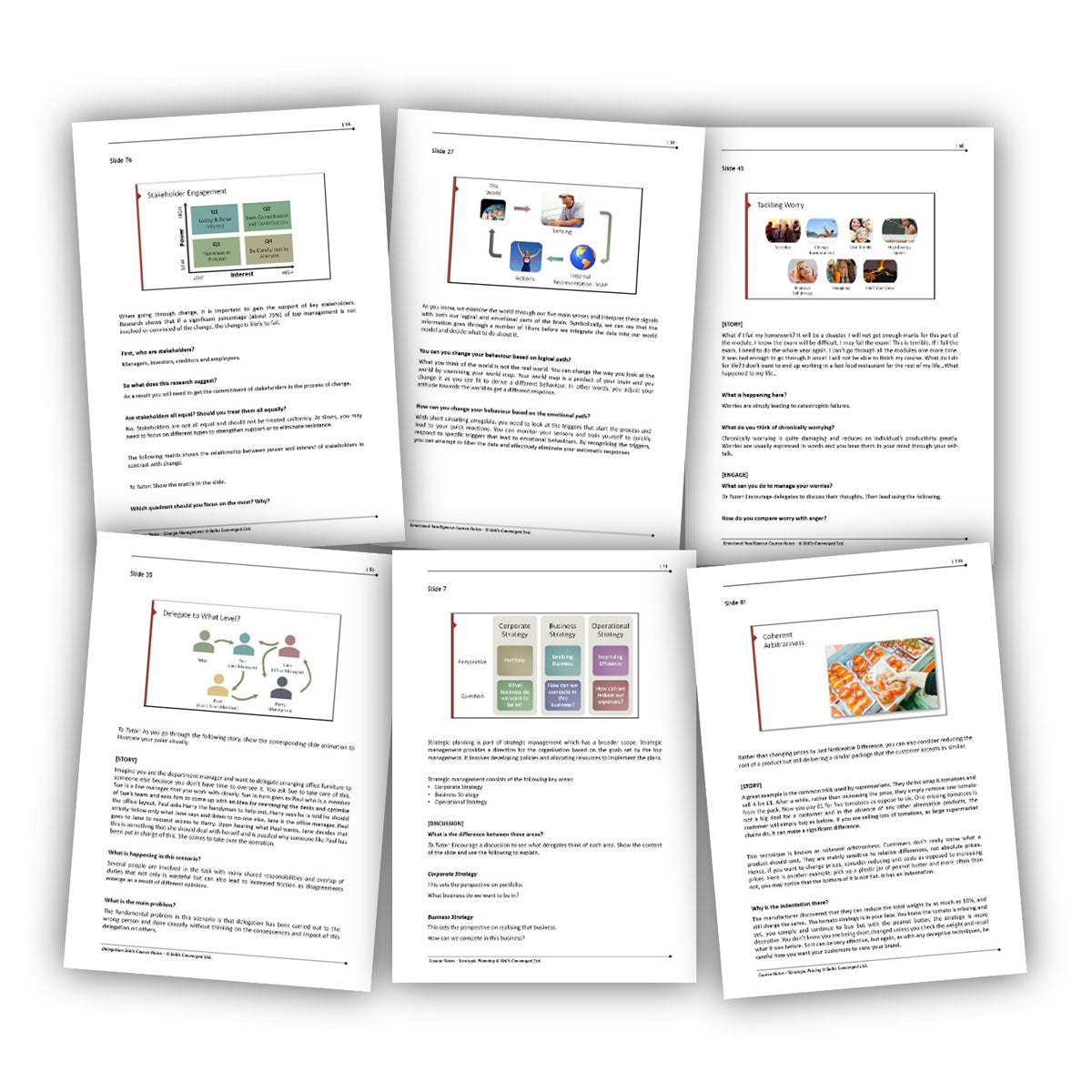
Trainer Notes and Delivery Script
The trainer notes provide comprehensive, slide-by-slide guidance to help you prepare, rehearse and deliver the course.
They include:
- Guidance for introducing each topic and gaining participants’ attention
- Explanations of the content covered by each slide
- Questions and discussion prompts for engaging the group
- Suggestions for using flipcharts and whiteboards
- Instructions for facilitating exercises and group discussions
- Guidance on linking activities to the concepts being taught
- References to separate exercise instructions and participant resources
The notes provide a reliable delivery structure while leaving you free to adapt the language and examples to suit your own style.
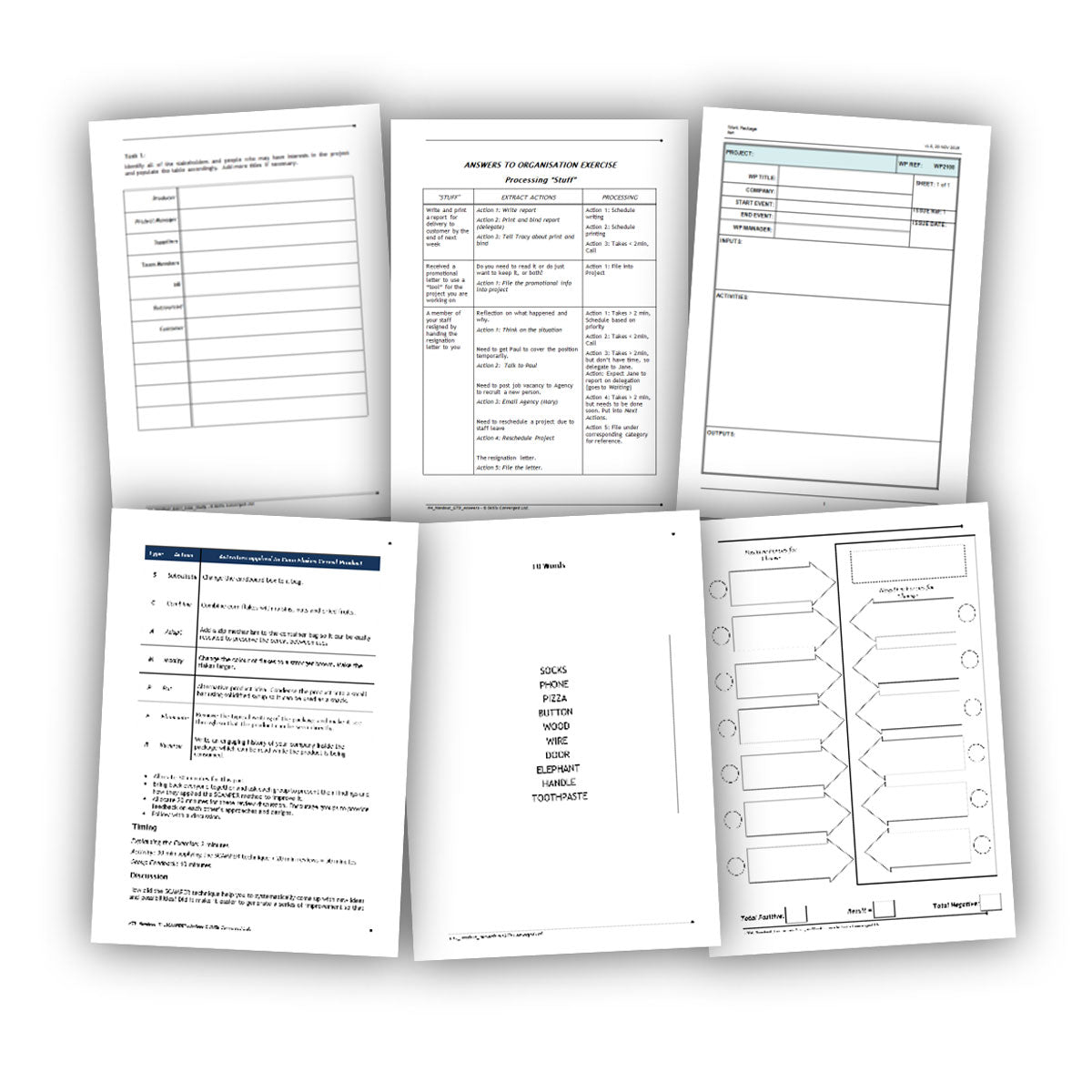
Participant Handouts
Course-specific handouts are included when a topic or activity benefits from a separate participant resource.
Each handout is referenced in the trainer notes so you know when to distribute it and how it supports the session. Where the same information already appears in the participant workbook, a separate handout may not be necessary.
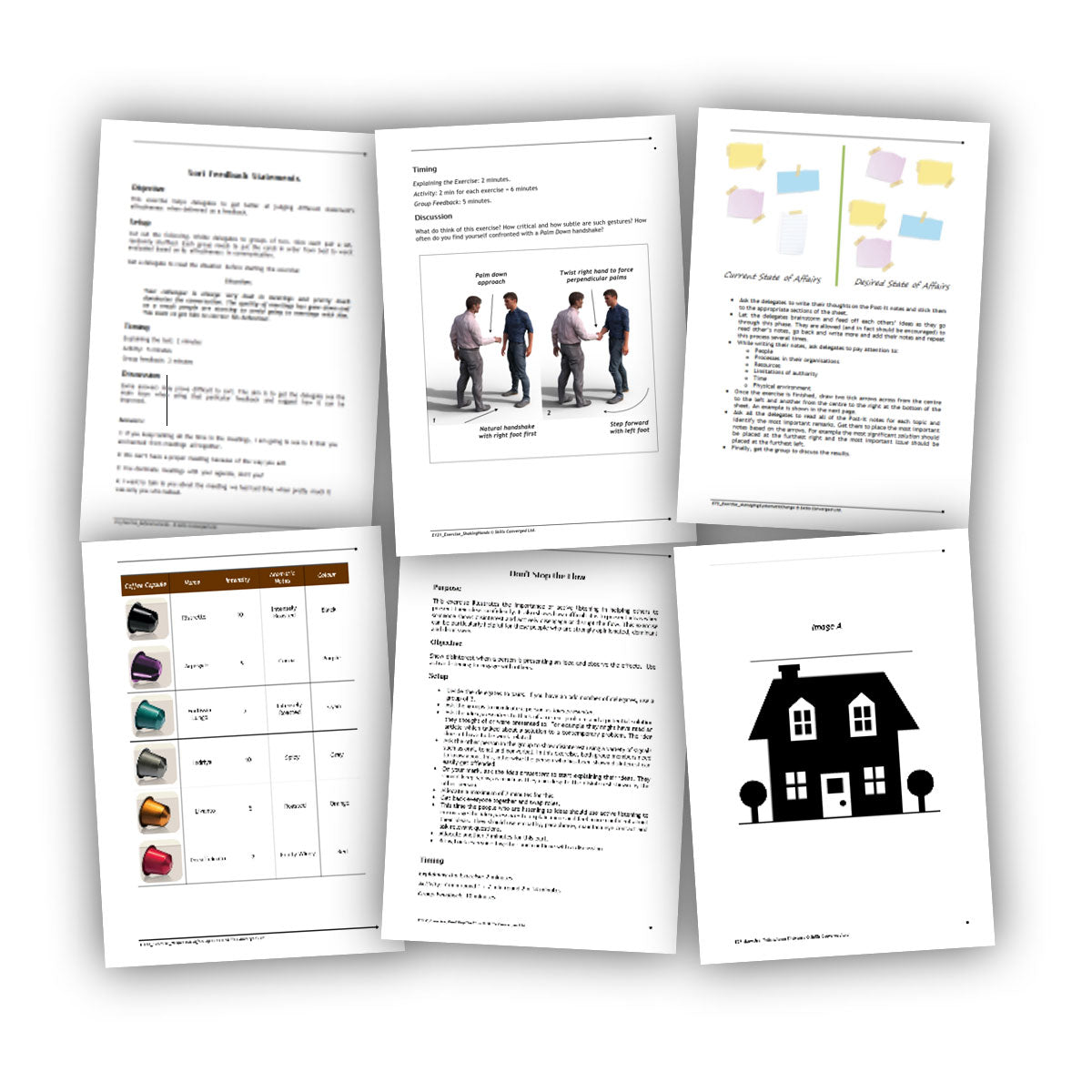
Exercises, Icebreakers and Activities
Each course includes interactive activities of different lengths and levels of complexity. These help participants practise new skills, explore ideas and apply what they have learned.
Detailed exercise instructions explain:
- The purpose and learning objective
- The materials and participant handouts required
- Any props or additional supplies needed
- The recommended group size
- How to introduce and run the activity
- Suggested timings
- Discussion and debriefing questions
- How to connect the activity to the wider course content
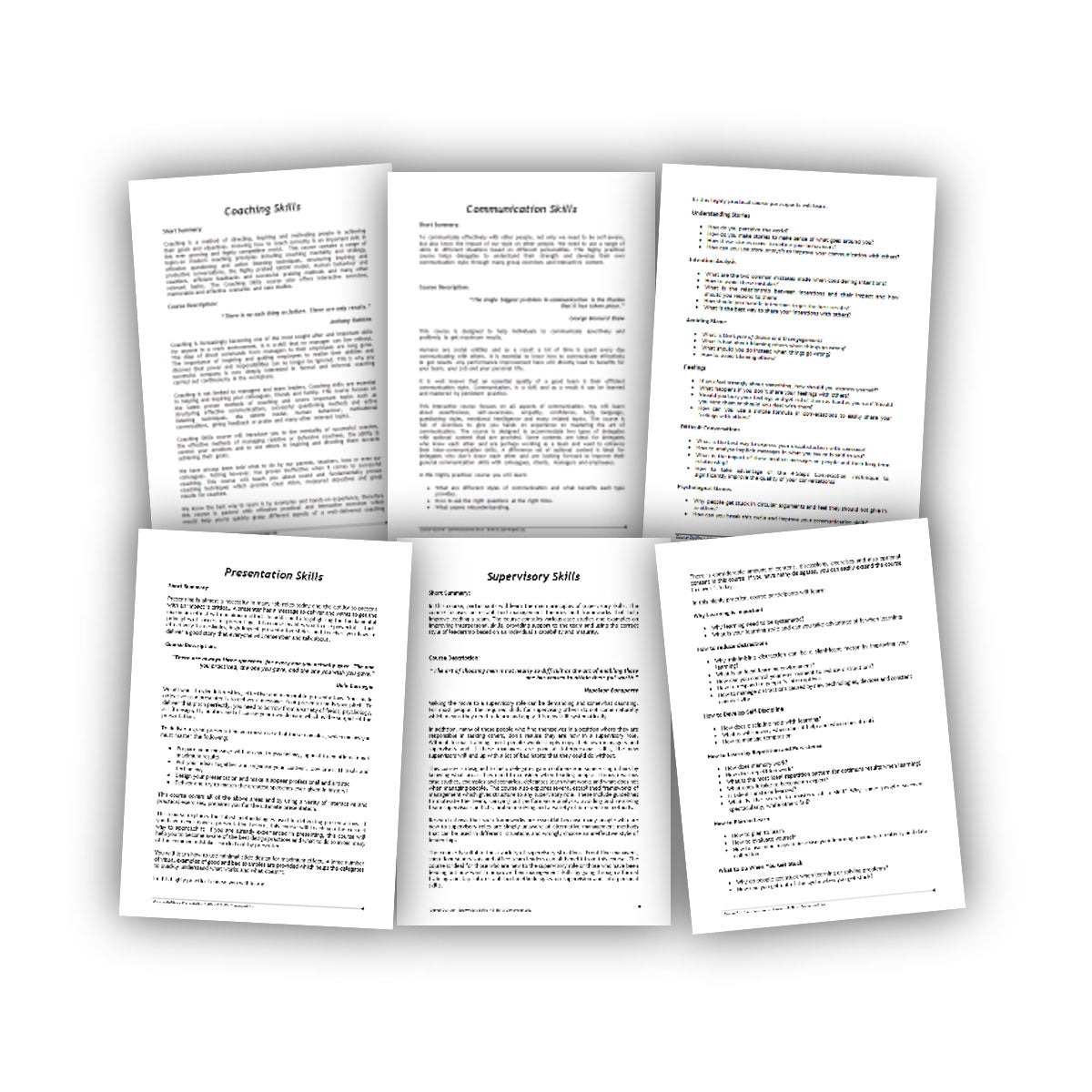
Editable Course Outline
The course outline contains an editable description, syllabus and learning objectives for the course.
You can adapt it when:
- Promoting the course
- Briefing a client or internal stakeholder
- Preparing participant joining information
- Adding the course to your training catalogue
- Creating proposals or programme descriptions
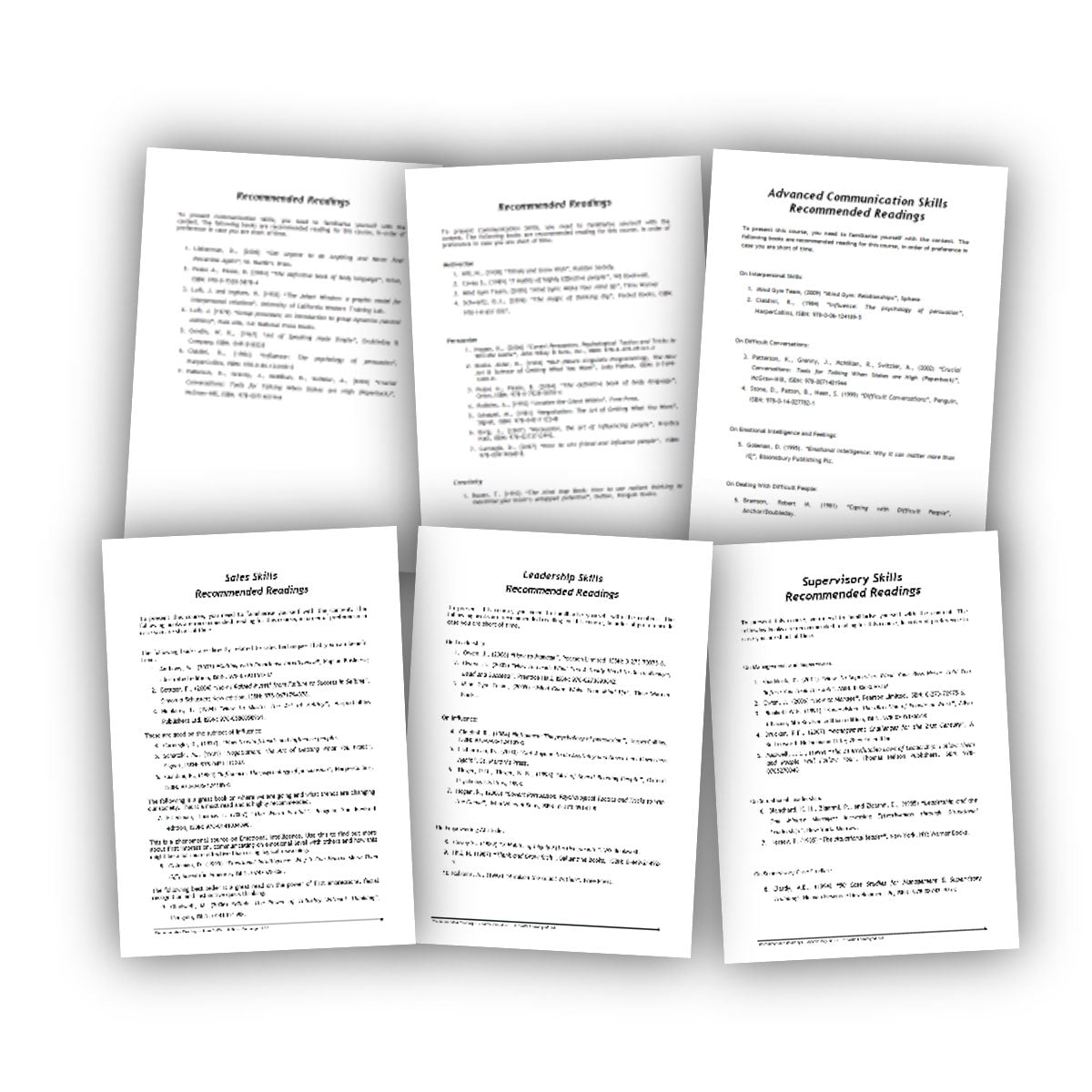
Recommended Reading
Each course includes a selection of recommended books and references covering its principal topics.
These resources can help you deepen your subject knowledge, prepare for delivery and explore important concepts in greater detail.
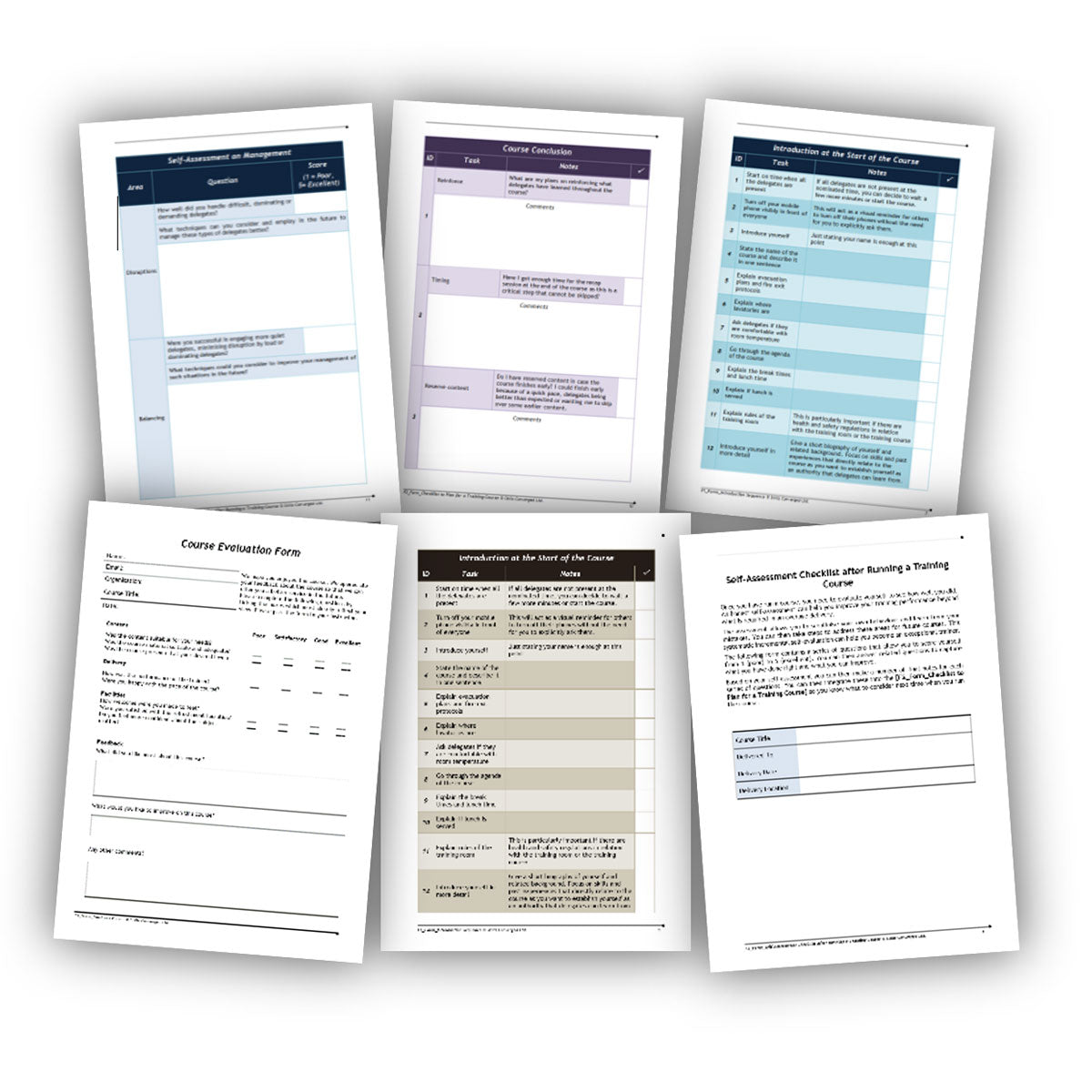
Forms, Checklists and Self-Assessments
Practical forms and checklists help you prepare consistently, manage the course and review your performance afterwards.
These include:
- A pre-course preparation checklist
- A checklist for opening and introducing the course
- A post-course trainer self-assessment
- Additional course-specific forms where required
The post-course self-assessment helps you identify what worked well and what you could improve before your next delivery.
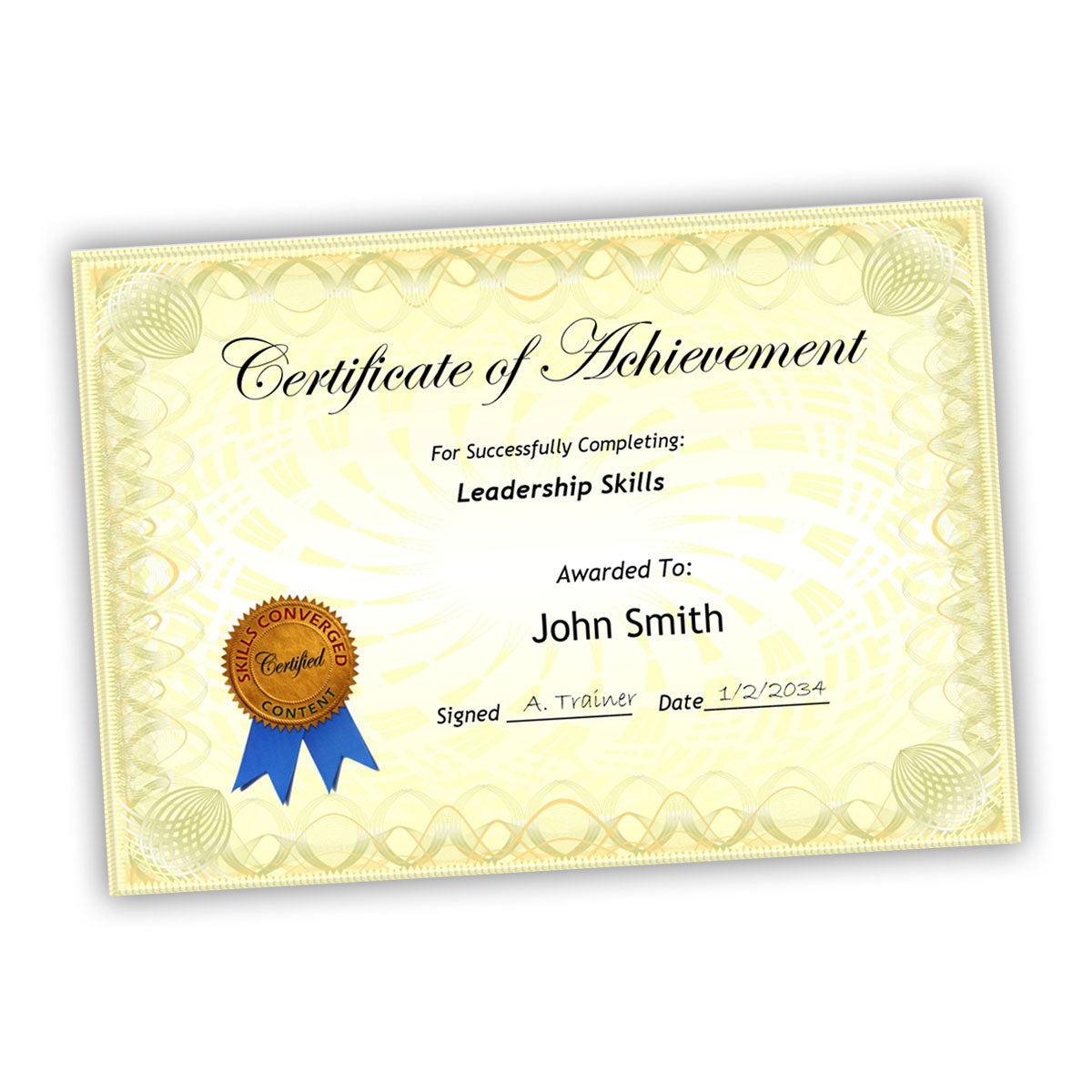
Certificates and Supporting Resources
Each package also contains supporting documents that make it easier to organise and complete the course.
These include:
- Participant feedback forms
- Certificate of Achievement templates
- Attendance forms
- Printable course-support documents
- Additional resources required for particular activities
The editable templates can be adapted to include your organisation’s details and branding.
Bonus eBook: How to Increase the Impact of Exercises and Get the Best Results
This practical eBook is included with every training-materials package. It explains how to make exercises, games and interactive activities more engaging and educational.
It covers how to:
- Prepare participants and materials before an exercise
- Explain instructions clearly
- Generate interest and enthusiasm
- Run activities smoothly and professionally
- Encourage balanced participation
- Manage dominant or disruptive participants
- Facilitate productive discussions
- Debrief an activity effectively
- Turn the experience into lasting learning
Preview the Materials Before You Buy
Individual product pages contain examples of the slides, trainer notes and participant workbooks included with each course. You can also download a complete, fully usable sample course to examine the structure, format and level of detail.
For information about editing, licensing, downloads and permitted use, visit our training materials frequently asked questions.