
Training Materials
Presentation Skills
Course on How to Design and Deliver an Elegant and Memorable Presentation
Fully Customisable Training Course Material
Description
"There are always three speeches, for every one you actually gave. The one you practiced, the one you gave, and the one you wish you gave."
Dale Carnegie
We all want to give interesting, effective and memorable presentations. Your main objective as a presenter is to deliver a message. Your presentation is your pitch. To deliver that pitch perfectly, you need to borrow from a variety of fields; psychology, art & design, IT, politics and of course your own domain which is the subject of the presentation.
To deliver a great presentation you must use all of these domains, which means you must master the following:
- Understand the psychology of your audience and prepare your message accordingly to appeal to their emotions and get maximum results.
- Create a “wow” factor by using the latest IT tools and technology to put your ideas together and organise your content.
- Appeal to the artistic side of your audience and design your presentation to look professional.
- Deliver with confidence to show that you understand your own content and appear convincing.
- Leave a long lasting positive effect on your audience so that they would never forget your message.
This course covers all of the above areas by using a variety of interactive and practical exercises which prepare the delegates for their ultimate presentation.
This course explores the latest methodologies used in delivering presentations. In our experience, there are two types of delegates:
- Inexperienced or new. This course teaches the delegates how to gather their content, how to make their slides (if any is needed), how to deliver and how to make their message stand out from others.
- With experience. Experienced presenters suffer from bad habits accumulated over time and also lack of knowledge of new tools and techniques since they picked up the knowledge years ago. This course helps these delegates to master the skill through many hands on exercises so they can leverage their current experience to polish their presentations and deliver as good as they are capable of.
The course focuses on the latest practices in presentation skills especially in business and academic environments. Much has changed in recent years and the ever increasing range of presentation tools and their respective feature-set has allowed many presenters to fall to the trap of feature overuse. To address these issues, the course covers a set of best design practices so delegates know what to avoid during the preparation and delivery of their presentations.
It is established that the best way to learn is by example. Many visual examples of good and bad content are provided which help the delegates to quickly understand what works and what doesn’t.
Schedule
The course contains a pre-course assignment where delegates need to prepare a presentation. During the course, they will learn how to improve their presentation and at the end, they will deliver this presentation once more to be evaluated based on a set of performance criteria. Instructions and forms are provided in the package. There is enough content in this course to run it over two days and you may need to do this if you have many delegates to teach. In this case, delegates can practice their presentation at home after learning a number of key topics during the first day and proceed to present their updated version during the second day for evaluation and feedback.
In this highly practical course delegates will learn:
Presentation Types
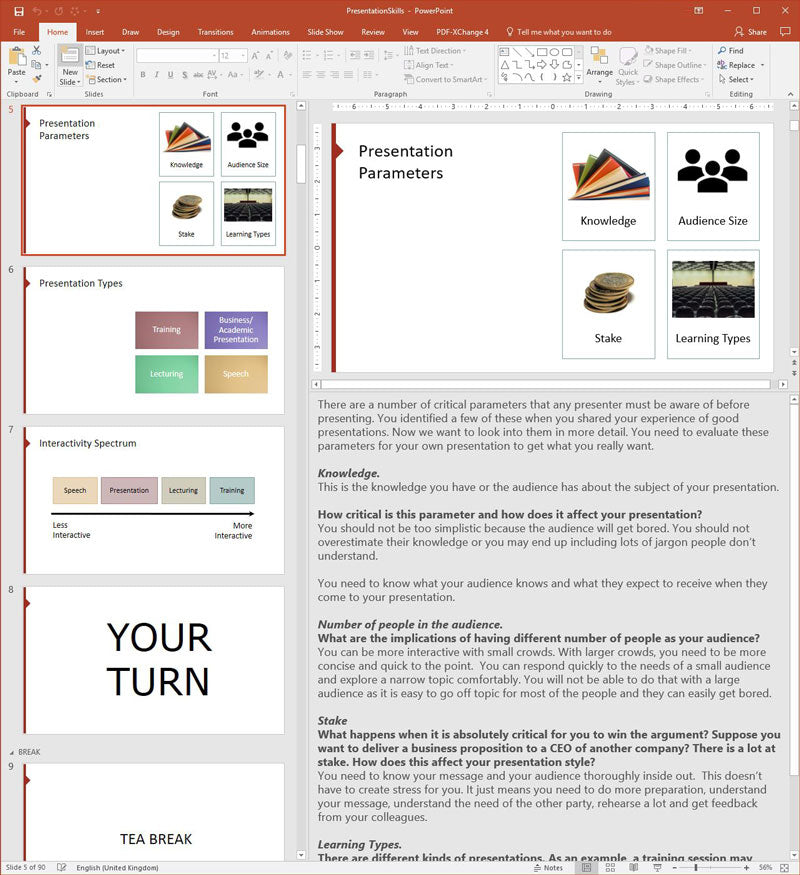
- What are the implications of the size of the audience?
- How to approach the design of a presentation and learn which areas you need to focus on most?
- What types of presentations exist and what are the differences between them?
- How different types of audiences dictate different kinds of presentations?
Approach
- What techniques can you use to engage the audience such as laughter, story-telling, etc.?
- What can you do to make your presentation viral so that your audience will spread your message through word of mouth?
- How to make an engaging story that your audience will remember
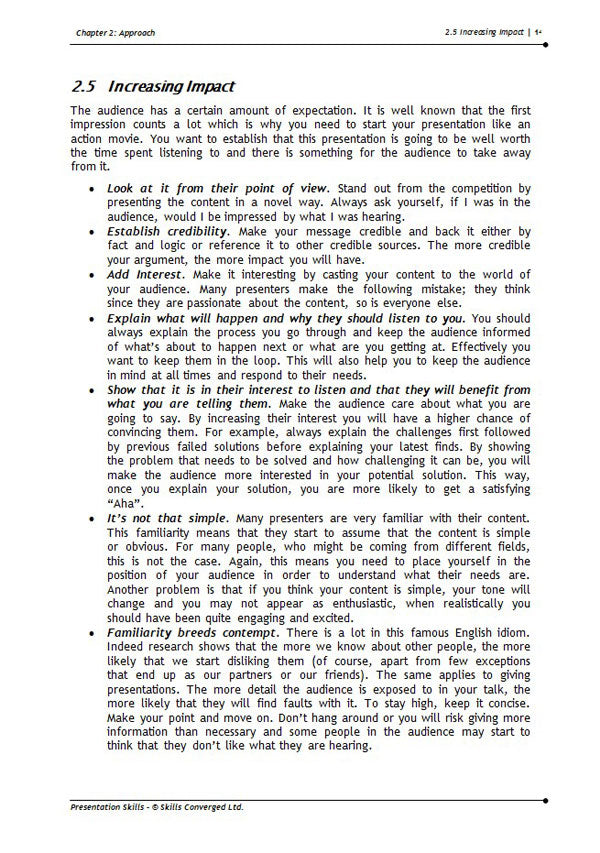
- How to have an impact
- How to start your presentation to fully engage your audience
Preparation
- What steps do you need to take to prepare a presentation from a blank sheet all the way to a comprehensive presentation?
- How to use interactive content to engage the crowd
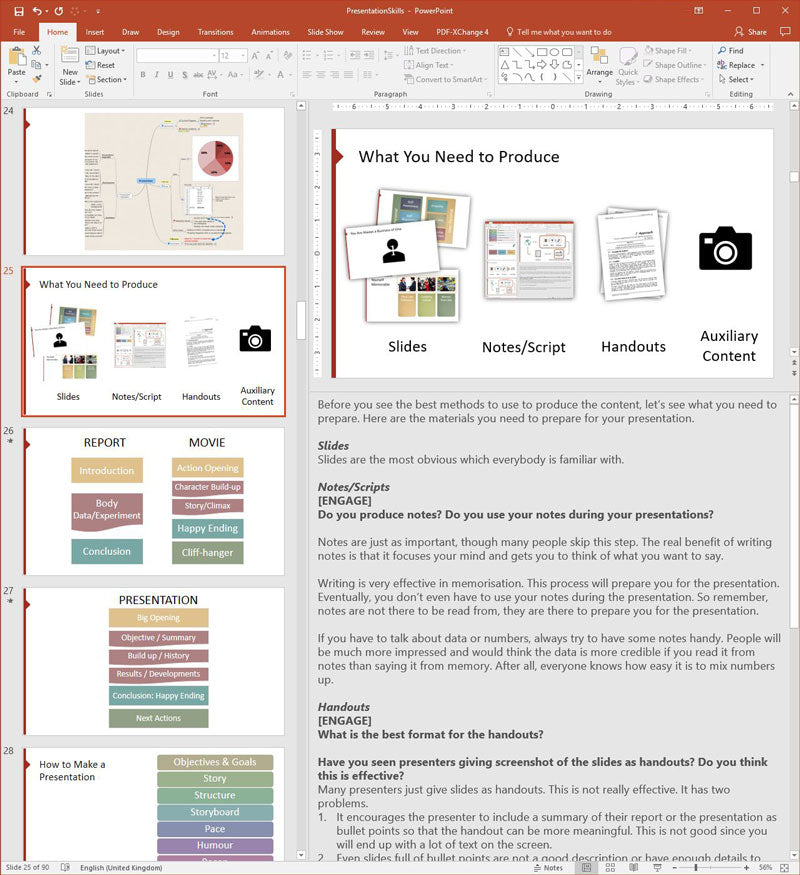
- What types of content you need to produce?
- What questions do you need to ask yourself?
Structure
- How to use a minimal slide design to get maximum effect
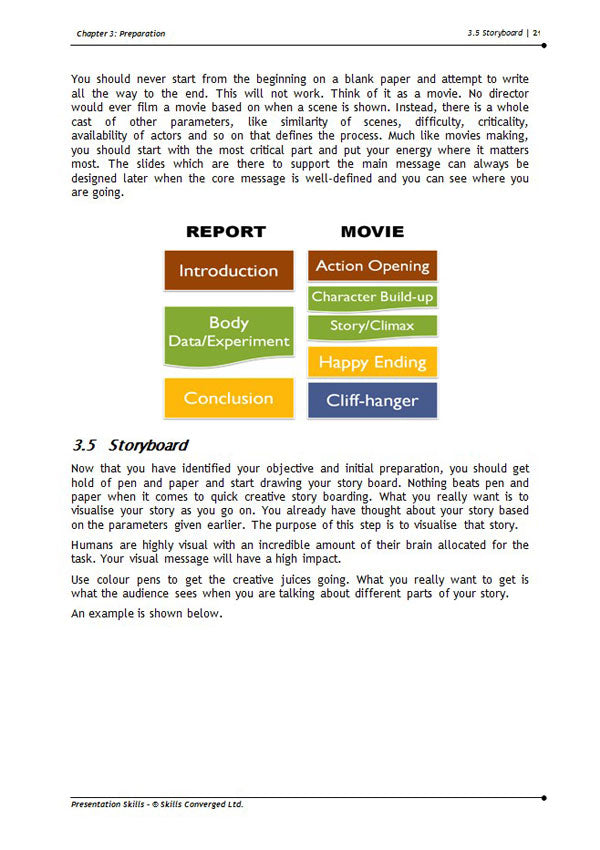
- How to do storyboarding
- How to structure the slides to get maximum effect
- What to avoid when designing your slides?
- Why certain popular features of common presentation software packages such as Power Point are not useful and what can you do about them?
- How to avoid “Death by Power Point”
- How to place various components such as text, images and headings on your slides for maximum clarity and impact
Delivery
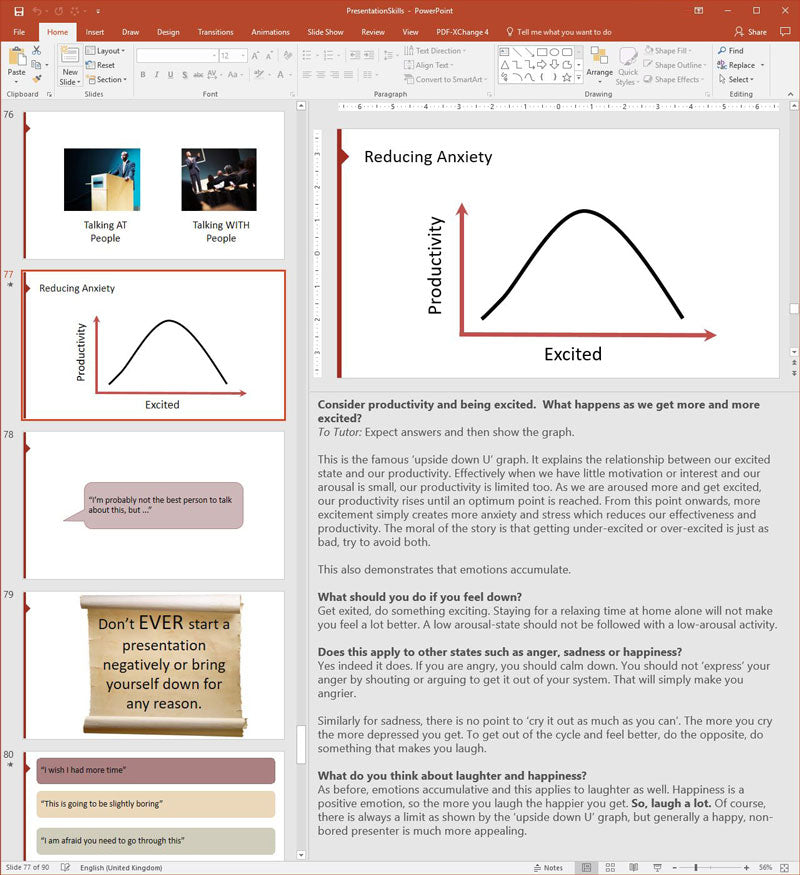
- How to deliver a presentation with reduced anxiety
- How to have the correct body language so you come across as a ‘great’ presenter
- How to become a communicator rather than act only as a presenter
- How not to bore the crowd
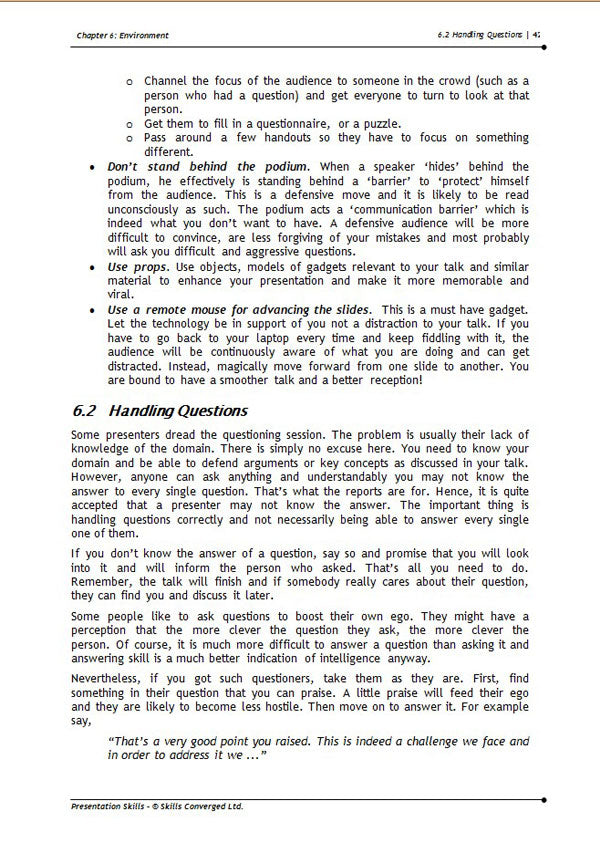
- How to handle questions
Environment
- How to take advantage of the environment
- What not to do during presentations which may undermine you or your message?
What Is Included
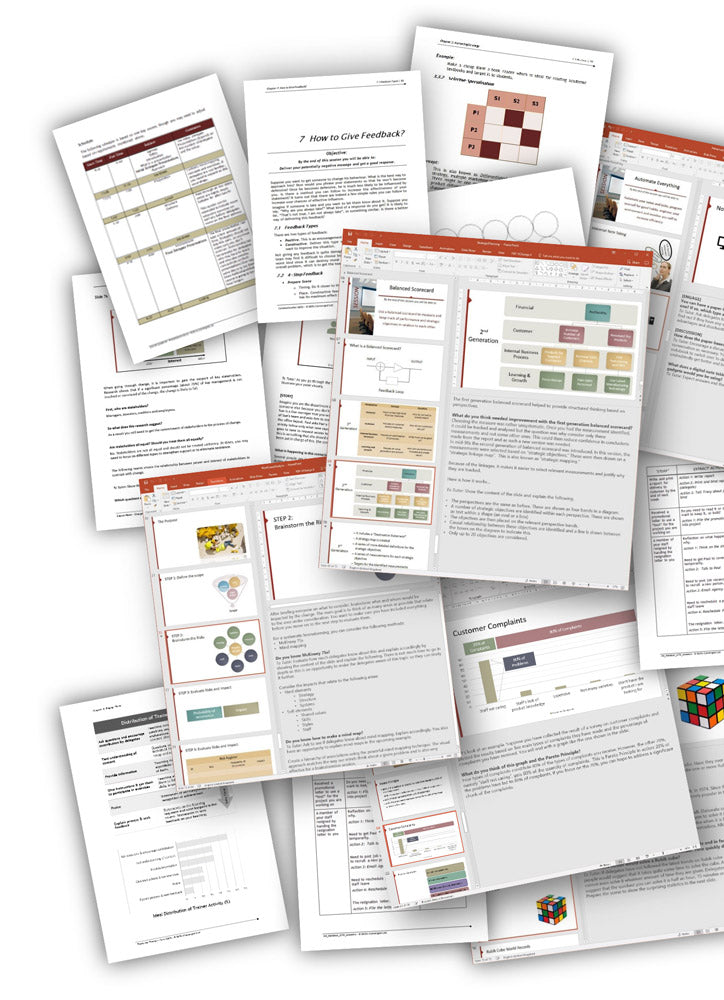
Everything you need to run the course:
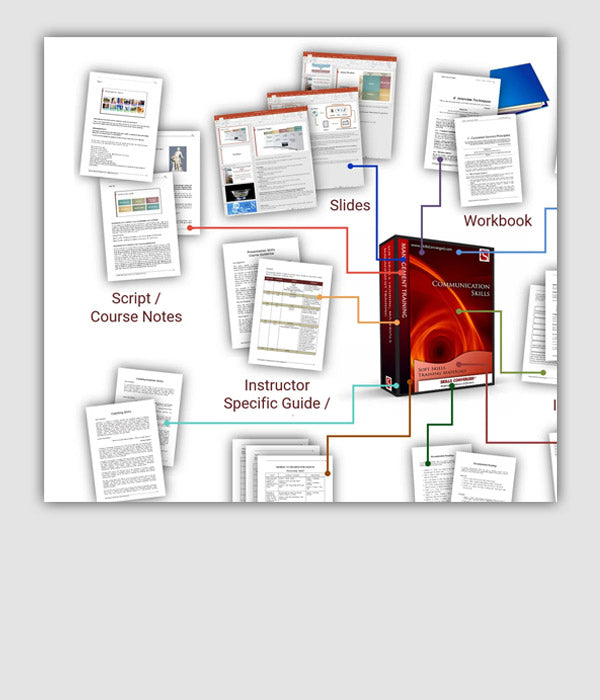
- Slides
- Workbook
- Exercises
- Handouts
- Trainer Notes
- Specific Course Guidelines
- Agenda
- Guidelines on Training Methodology
- Course Outline
- Recommended Readings
- Feedback Forms
- Certificate of Achievement

By the end of this course delegates will be able to:
Courseware Features
Buy & Download Training Materials
- Choose your training materials
- Add to shopping cart
- Get multiple courses to get discounts and create tailored training
- Pay using all major debit / credit cards, PayPal, Apple Pay and Google Pay.
- After payment processing, you are redirected to a download page
- You will also receive emails with download links
- Unzip the package and access all the training resources in MS Office format
You can customise, edit and modify the content as you desire
Unlimited workbook reprinting rights
The downloadable training package contains all you need to deliver a course
Designed based on the latest research in educational psychology, cognitive psychology, social sciences and business practices
Designed in line with the principles of accelerated learning
Designed to include many examples, case studies and exercises to improve learning and retention
Order online and download immediately after purchase
Receive editable source files in MS Office 365 (Word DOC/DOCX and Power Point PPT/PPTX) and previous Office versions 2003, 2007, 2010, 2013 & 2016
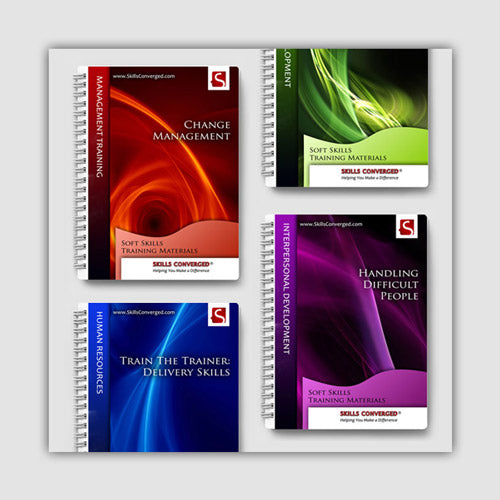
Get Discounts When Buying Several Training Materials
Bundled with This Product:
Increase Impact of Exercises

Frequently Asked Questions
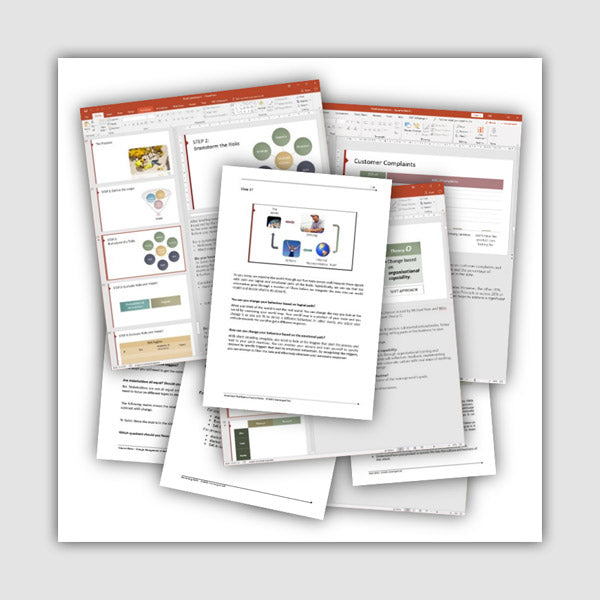
Sample Courses & Training Resources

About the Design Philosophy of Presentation Skills Course
100+ Countries
Used by Trainers Worldwide
Our mission is to help you deliver memorable courses with long lasting results, while taking the least amount of effort and time to run.
Save Time & Boost Training
Skills Converged is a unique company that provides professionally designed fully-customisable training course materials based on the latest research in learning & development. Courses are designed with attention to detail both on content and style so that you can deliver unique state-of-the-art courses to your clients and get maximum results.





Testimonials for Presentation Skills
"I am very pleased with this well-researched product [Presentation Skills]. I am a lecturer and I was looking for content to give training to my students to improve their presentation skills. Most of them don’t have much public speaking experience and I wanted to teach them about all aspects of presenting like slide design, delivery and content. They were all covered in the course which meant I had to do little modification. Good time saver."
Mark Haynes, Boston, USA
“What you are doing right: producing affordable, high-quality, customisable courseware which includes useful role-play scenarios and exercises. The materials are comprehensive, well-organised and nicely presented."
Will Moore, Real Spark Limited, New Zelland
“The course content is excellent. Very easy to follow workbooks and very clear PowerPoint presentations. Very useful and easy to follow courses."
Stuart Pybus, Crucible Learning and Development, UK
More about our customers and what they think of our products